
Short answer: A preventive maintenance schedule lists every piece of equipment in a building, the checks or service it needs, how often, and who does it. To make it work, tag each asset, set recurring due dates, send reminders before each visit, record every inspection with a checklist and photo, and review overdue items every week.
Equipment rarely fails without warning. Filters clog, batteries weaken and extinguishers lose pressure over months. Preventive maintenance catches these early, but only if the schedule is followed. For facility managers and AMC service companies, the hard part is not making the schedule but proving every visit happened.
Step 1: List every asset
Walk the building floor by floor and record each item with an ID, type, make, model, location and installation date. Typical assets include:
- Fire extinguishers, hydrants, hose reels, smoke and heat detectors, emergency lights and exit signs.
- AC units and other HVAC equipment.
- DG sets, UPS units and electrical panels.
- Lifts, pumps and water tanks.
- Laptops, printers and IT equipment.
Step 2: Set what to check and how often
For each asset type, write a short checklist and a frequency based on the manufacturer’s manual, the relevant standards and your service contracts. Keep checklists short enough to complete on site.
Step 3: Assign and schedule
Assign each asset or site to a technician or vendor and generate the due dates for the year. Group visits by site so technicians do not travel twice.
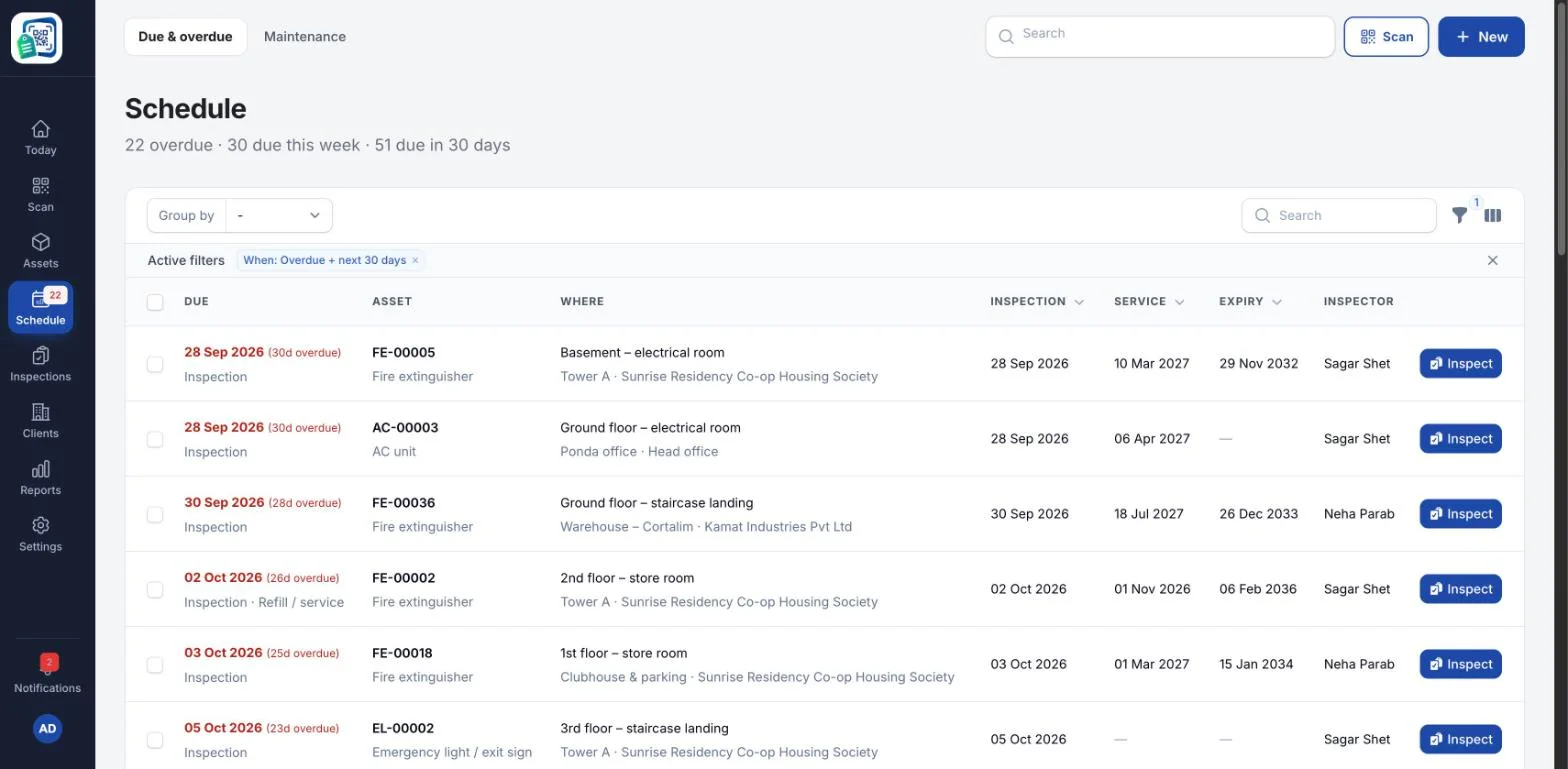
A schedule view like this one lists what is overdue, due this week and due in the next 30 days, with the inspection, service and expiry dates and the inspector for each asset, and can be grouped by site, client or asset type.
Step 4: Record every visit
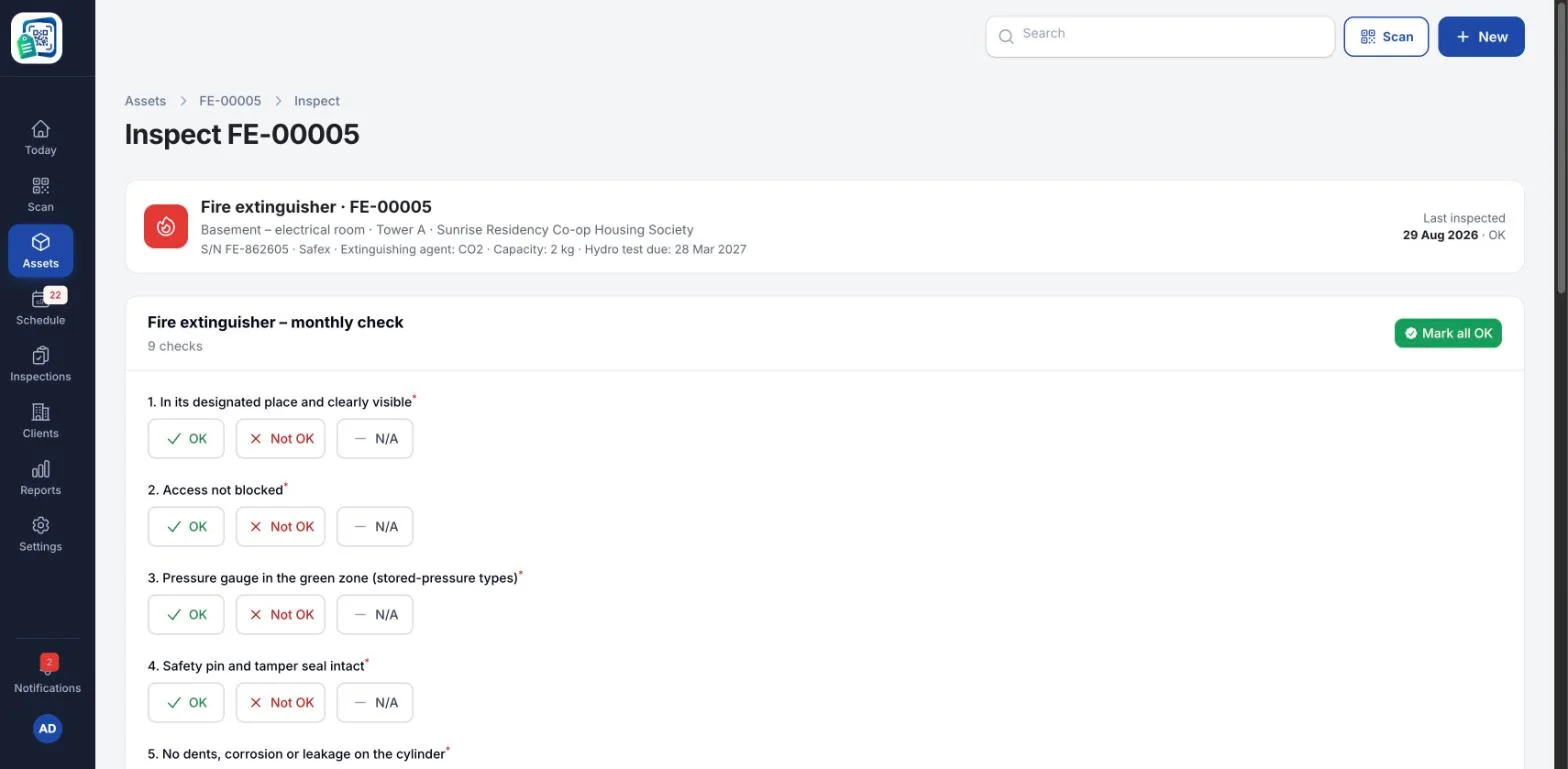
Each visit should leave a record: date, technician, checklist results, photos, remarks and any follow-up needed. Paper job sheets get lost; a phone-based checklist linked to a QR code on the asset proves the technician was there.
Step 5: Follow up faults
A failed check should create a maintenance task, such as a refill, repair or replacement, that stays open until it is done.
Step 6: Review and report
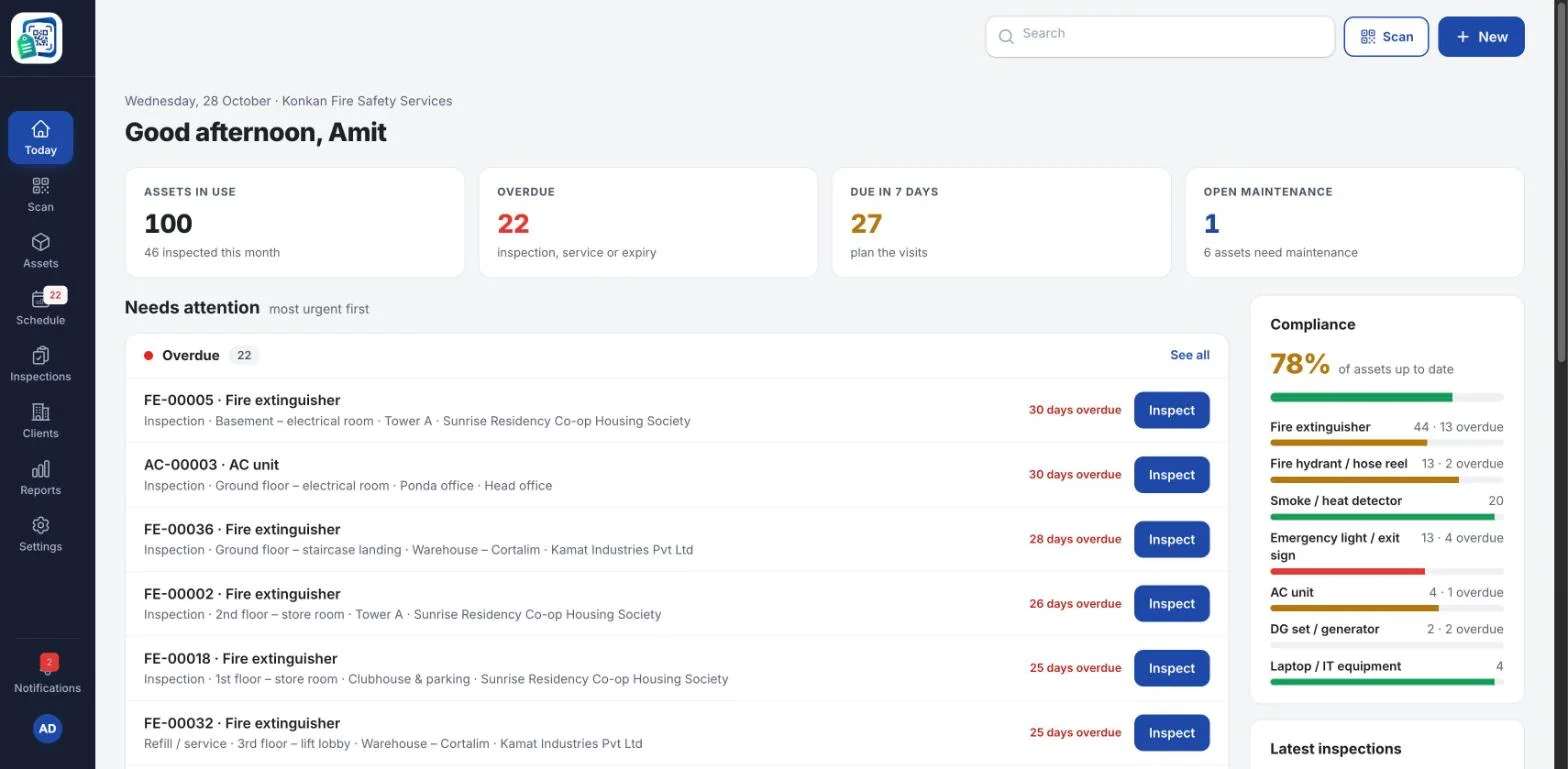
Every week, review what is overdue and what is due in the next seven days. Every month, share a compliance report with management or with each client.
For AMC and service companies
If you service equipment for many clients, keep each client’s sites and assets separate, give clients a report of every visit, and use the overdue list to plan the week. This is also your proof of work when contracts come up for renewal.
How AsseTrack360 helps
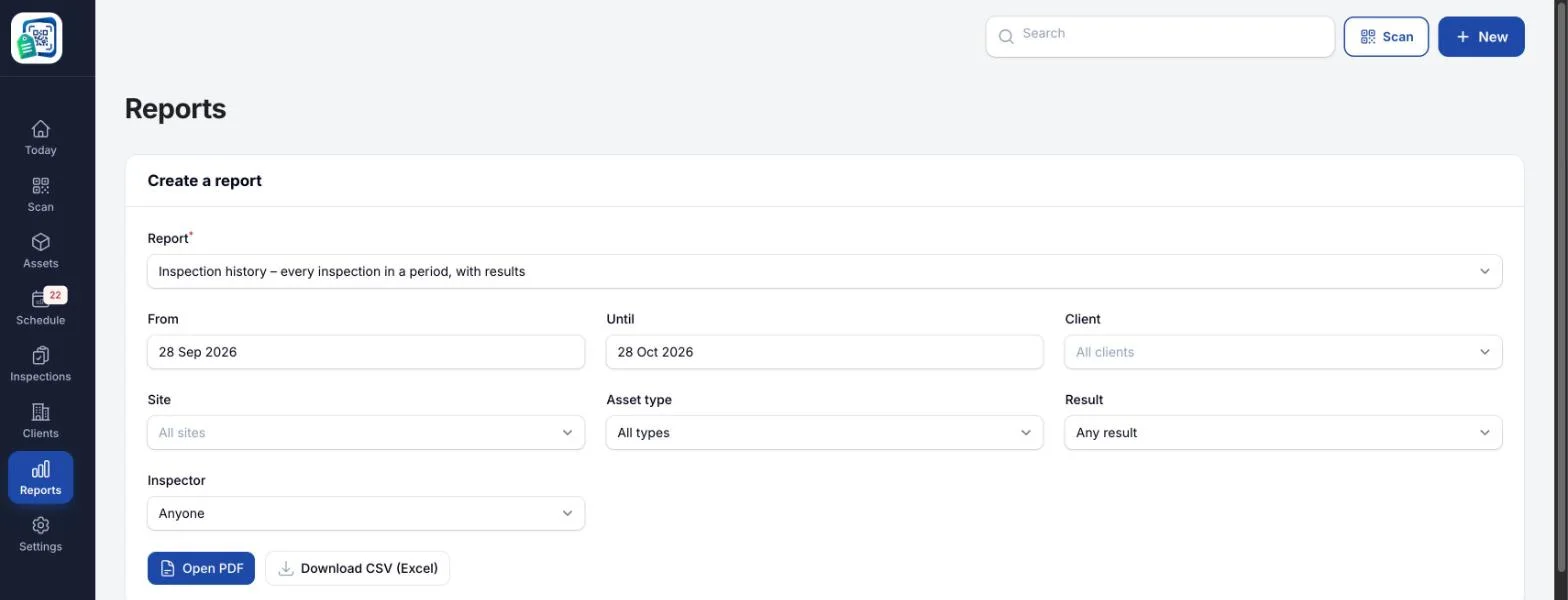
AsseTrack360 by Re-Infotech puts a QR code on every asset, sets inspection and service schedules with reminders, records each visit from the technician’s phone and produces compliance reports for every client and site. The screenshots in this article are from AsseTrack360 with sample data and made-up names. Reports such as inspection history, asset register, due and overdue, and maintenance can be filtered by client, site or asset type and downloaded as PDF or Excel (CSV).
Book a free demo to see your own assets on the dashboard.
Related guide: Fire extinguisher inspection checklist: paper tags vs QR codes.
Frequently asked questions
What is a preventive maintenance schedule?
A plan that lists every asset in a building, the checks or service each needs, how often and who is responsible, so equipment is maintained before it fails.
What equipment needs preventive maintenance in a building?
Fire safety equipment, AC and HVAC units, DG sets, UPS and electrical panels, lifts, pumps, water tanks and IT equipment.
How do I prove a maintenance visit happened?
Record each visit with the date, technician, checklist results and photos. Scanning a QR code on the asset links the record to that exact item.
Can one system handle many clients for an AMC company?
Yes. Asset tracking software like AsseTrack360 keeps each client’s sites and assets separate and gives each client reports of every visit.